
What can jo do with your email?
jo reads your Gmail and Apple Mail and sorts each email into three piles: it needs an action from you, it needs a place on your calendar, or it needs nothing. It starts where your inbox's own smarts leave off — leaning on Gmail's prioritization and keeping an eye on everything below the line. Replies come drafted, and you approve before anything sends.
Three emails, off your plate
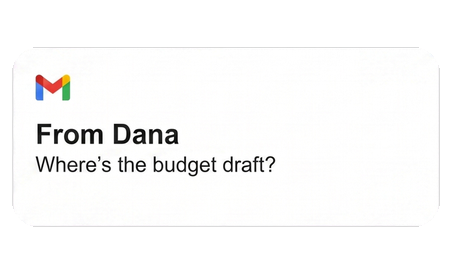
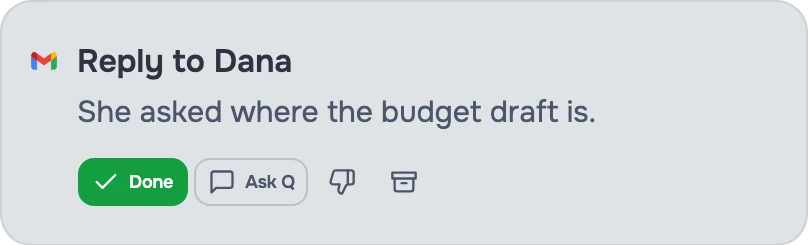
"Did I ever reply to Dana?"
Reply · from Email. jo noticed the thread went unanswered and drafted the reply without being asked. It sends when you approve it.

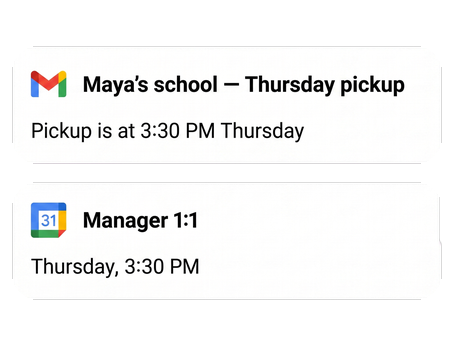
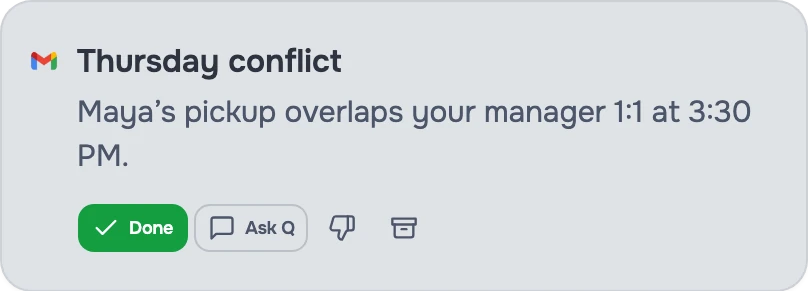
"Maya's school emailed about Thursday pickup. Thursday is my manager 1:1."
Conflict caught · from Email → Calendar. Your work calendar never sees the school's email, so nobody catches this — except jo, which reads both. It proposed moving the 1:1 and drafted the note to your manager.
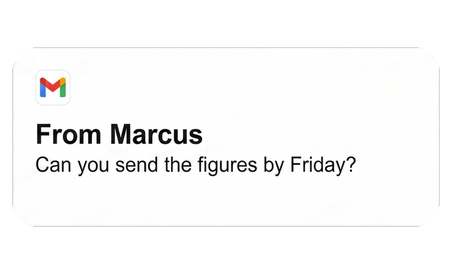
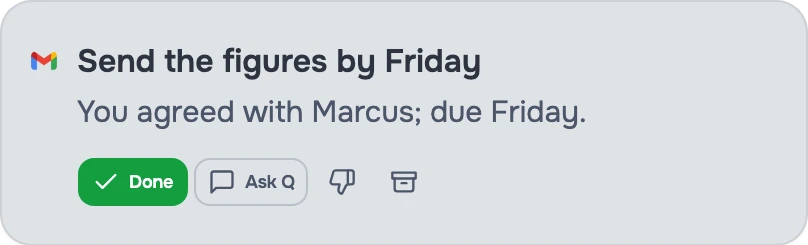
"I agreed to send figures by Friday."
Tracked action · from Email → Tasks. jo turned that sentence into a dated item on your list, and it comes back to you before Friday, not after.
Gets better as jo learns each night
Day one. jo triages today's inbox and shows you what actually needs you.
2 weeks in. jo has learned which people matter to you, across your email and messages.
3 months in. jo knows the shape of your week — what always runs long, what you protect — and catches the thread you forgot before it becomes late.
Set up once, use everywhere
Gmail connects from any browser, and Apple Mail connects through the jo app on your Mac. After that, you can ask about your email from the Mac app, the web, Telegram, or WhatsApp.
You stay in control
You choose read or read-and-write access for each account. Every outgoing email needs your approval, and you can disconnect an account at any time. And when jo gets something wrong, just tell it — "do less of this" — and it adjusts.
One inbox connection also feeds your calendar, your tasks, and your morning briefing.
Try jo free for 7 days. No credit card. Mac and web.