 jo
Login
jo
Login
FAQ
Questions people ask before letting jo into real life.
Short answers about the web app, desktop integrations, privacy, family, devices, and how jo works.
Life in the city
What is jo?
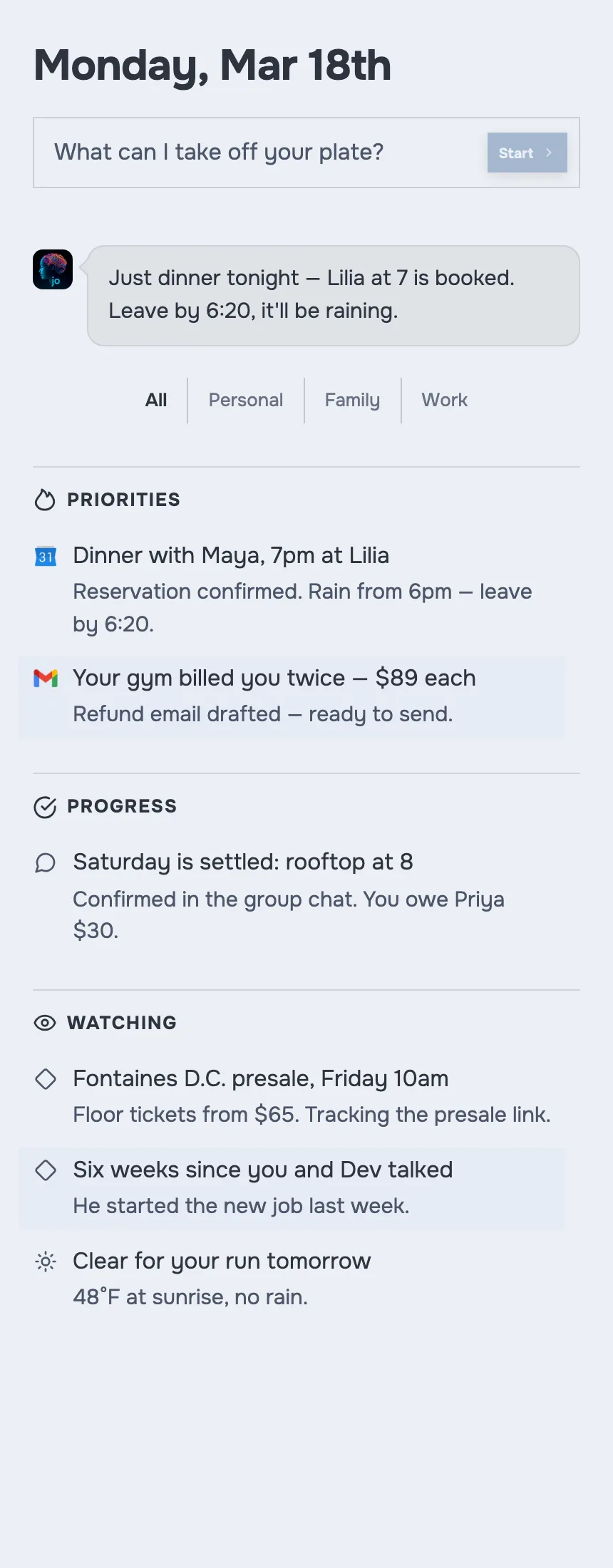
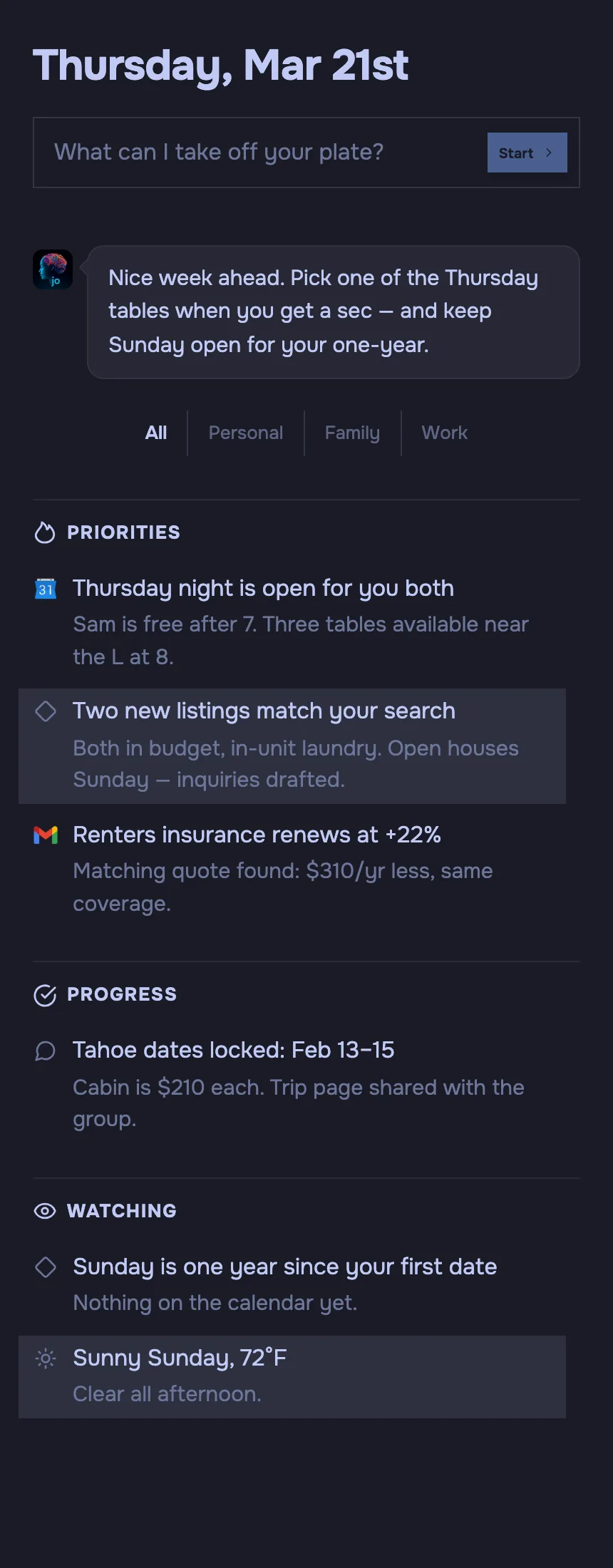
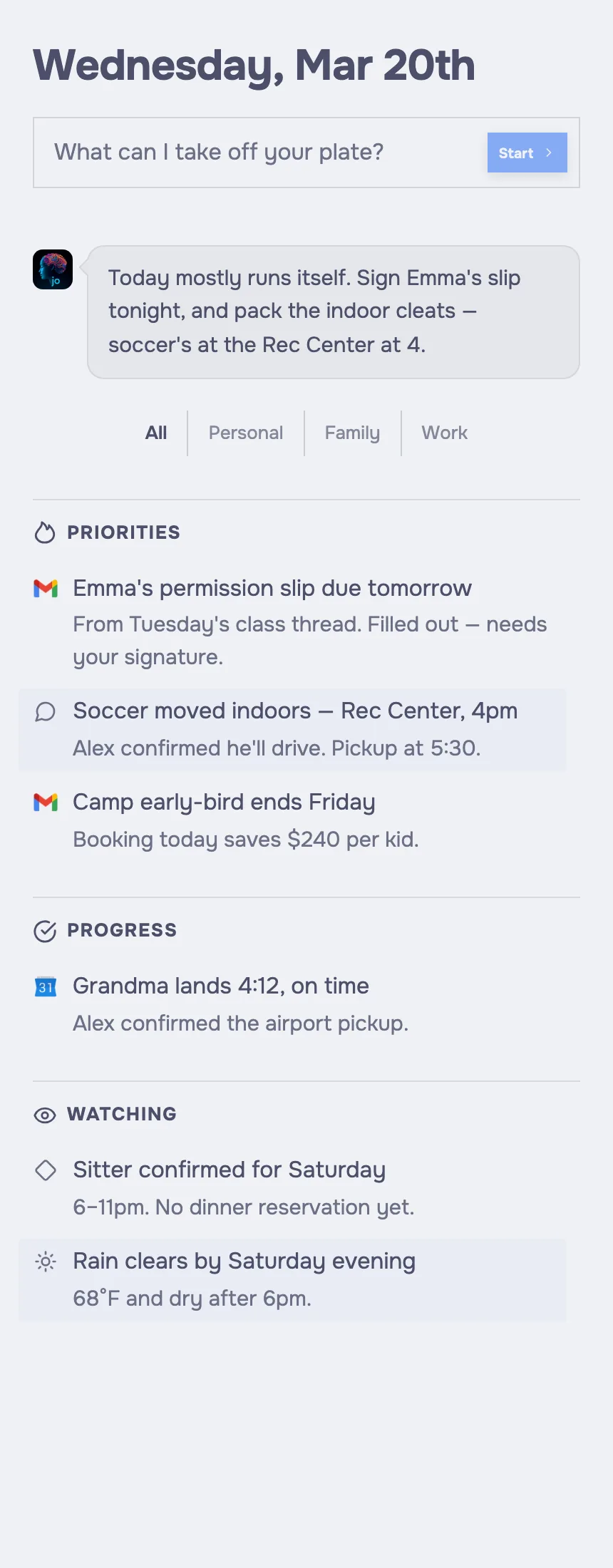
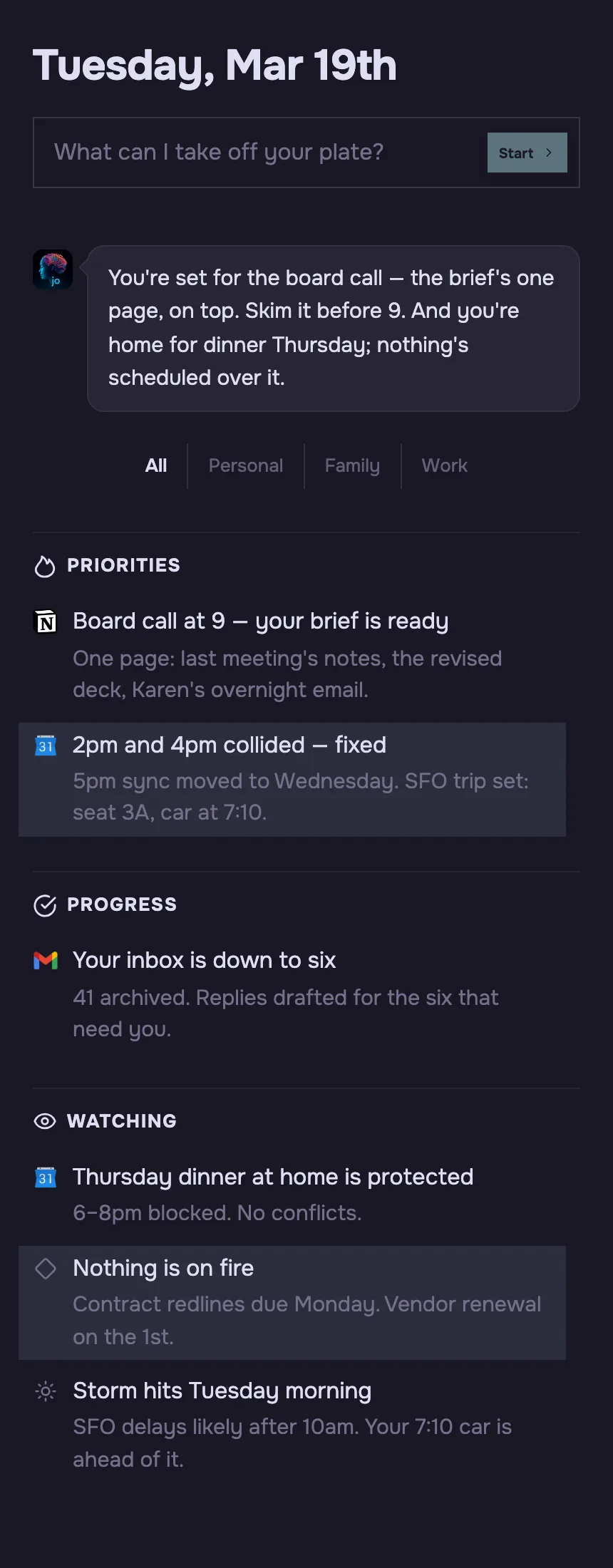
jo is a personal agent for real-life logistics: messages, calendars, reminders, projects, briefings, family coordination, and the follow-ups that usually fall through the cracks.
The web app is the flagship experience. The desktop app is the most powerful option and adds desktop-specific integrations.
Can I see a demo?
Yes. See the demo to explore jo before you connect anything.
How is jo different from ChatGPT?
Where does my data live?
Your dedicated cloud machine securely stores the summaries jo creates from raw data on your Mac or connected cloud sources.
If you connect the desktop app, raw local data — such as photos, screen content, local files, browser history, and messages — stays on your Mac.
Data from external sources, such as Gmail, stays with that source. jo accesses it through your connected account.
How does jo prevent my data from being trained on?
jo uses zero-data-retention endpoints when it calls AI model providers.
Those providers are contractually prohibited from training on or sharing the data jo sends for your requests.
What is a dedicated machine?
Every user gets their own isolated cloud machine with its own storage. It lets jo keep working across devices without putting everyone into one shared database.
Where can I use jo?
The web app is the flagship way to use jo. The desktop app is the most powerful option and adds desktop-specific integrations. You can also talk to jo through Telegram, WhatsApp, and email.
Which Mac do I need for the desktop app?
The desktop app requires an Apple Silicon Mac — M1 through M5 — with 16GB RAM.
Which models can I use?
jo can use OpenAI, Anthropic, Grok, Kimi, and local models on your Mac. It can route between fast and reasoning models depending on the task.
How does pricing work?
jo is free while it is in beta.
Can jo build websites?
Yes. You can ask jo to build and publish a real website, then change it conversationally.
How does family sharing work?
You can invite household members. Each person gets their own private jo with separate data.
Family questions route through each member’s jo. Consent controls what can be asked or shared.
Can family members see each other’s raw data?
No. jo is designed around consent. A family member can allow useful answers — like calendar availability or reminders — without exposing raw messages, files, or private context.