
What can jo do before your meetings?
Before each meeting, jo assembles a brief: who is attending, your history with them across email, messages, and notes, and the questions left open the last time you talked. Your calendar shows you who's coming; jo shows you where you left off.
Three meetings you walked into ready
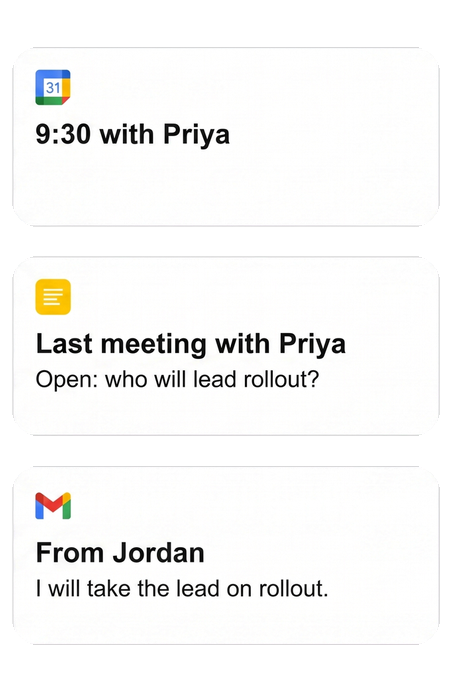
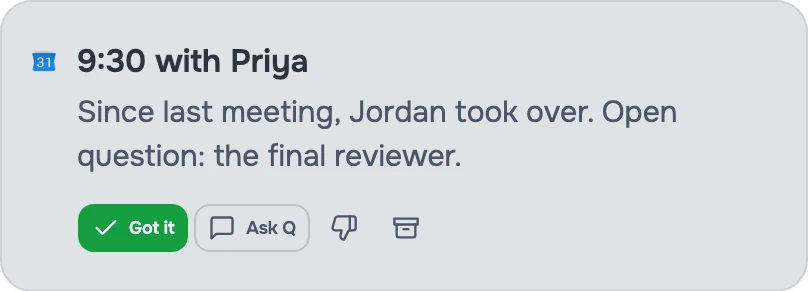
"The 9:30 with Priya — what did we leave open last time?"
Brief · from Calendar + Notes. jo pulled last month's decisions and the two questions you never closed, from your meeting notes and the email thread.

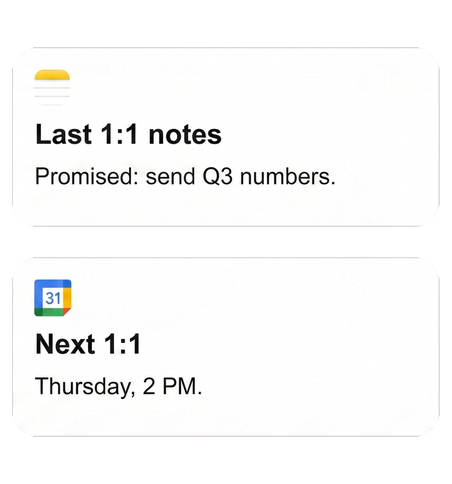
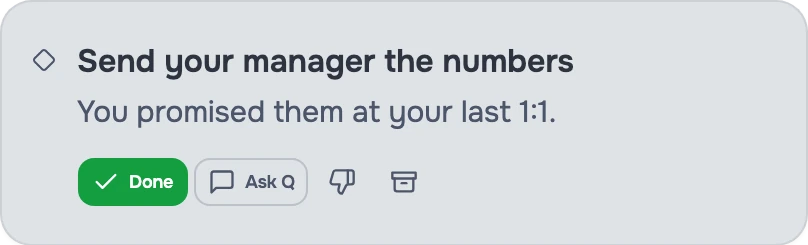
"I promised my manager numbers at our last 1:1."
Promise surfaced · from Notes → Tasks. jo tracked the promise from your notes, and the numbers are drafted before Thursday's 1:1 — not remembered in the elevator.
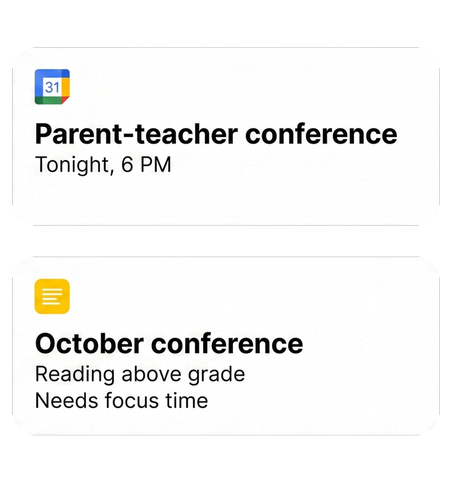
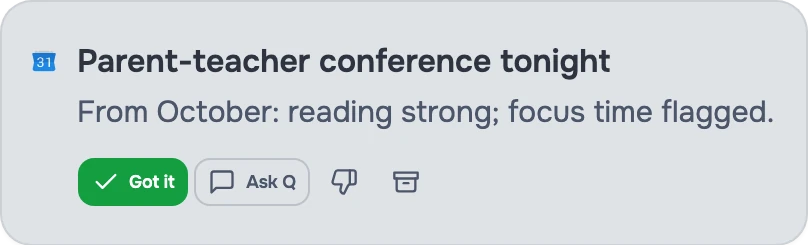
"Parent-teacher conference tonight. What did Maya's teacher say in October?"
Brief · from Email. jo pulled the teacher's earlier emails together into one page. Walking in ready works at school too.
Gets better as jo learns each night
Day one. jo builds a brief for today's meetings from your calendar and email.
2 weeks in. jo has learned which meetings need real preparation and which don't.
3 months in. jo reminds you what you promised the last time you met this person — before you walk in.
Set up once, use everywhere
Calendar, contacts, messages, and notes connect through the jo app on your Mac. After that, your briefs reach you wherever you talk to jo: the Mac app, the web, Telegram, or WhatsApp.
You stay in control
You choose what jo can read. Before jo sends a follow-up or changes your calendar, it asks. And when jo gets something wrong, just tell it — "do less of this" — and it adjusts.
After the meeting, follow-ups land on your task list, and decisions join your project history.
Try jo free for 7 days. No credit card. Mac and web.