
What can jo do with your notes?
jo reads the notes apps you connect — Apple Notes, Obsidian, Bear, Reflect, Granola meeting notes, Voice Memos — and makes them one searchable memory. Then it goes further: when a meeting, email, or decision touches something you wrote months ago, the note comes back on its own.
Three notes that came back
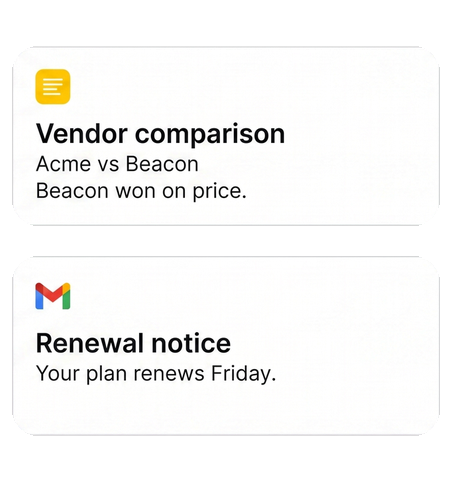
"I compared those vendors months ago. The renewal email just arrived."
Resurfaced · from Notes, next to Email. jo put your comparison beside the renewal email. Your past thinking showed up exactly when it was worth something.


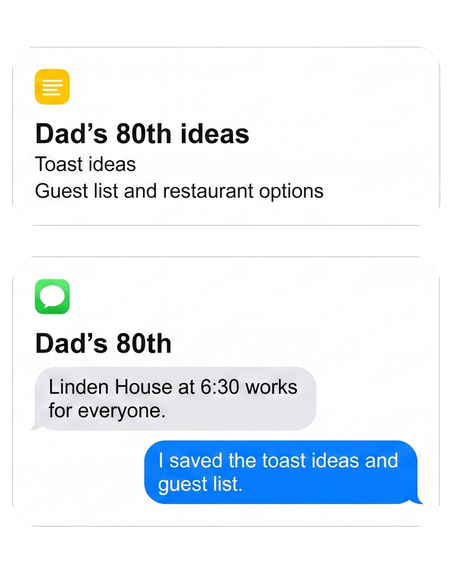
"The family chat is planning Dad's 80th. I wrote down ideas for this months ago."
Resurfaced · from Notes, next to Messages. The ideas note came back the moment the planning started — the toast, the guest list, the restaurant you starred.

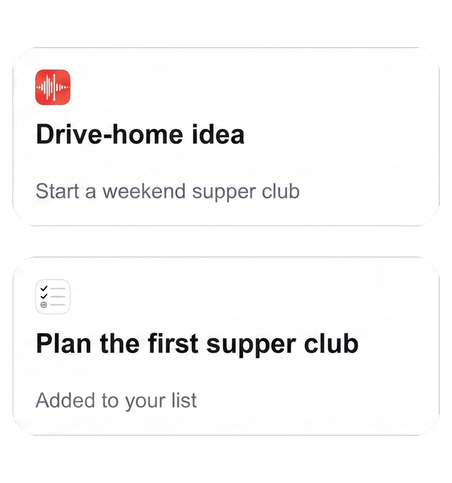
"I voice-memoed an idea on the drive home."
Transcribed · from Voice Memos → Tasks. By morning it's searchable text, and the follow-up is on your list.

Gets better as jo learns each night
Day one. One search across every notes app you use.
2 weeks in. Notes resurface next to the related meeting or email.
3 months in. Your past thinking shows up inside current decisions, and you stop re-figuring things out.
Set up once, use everywhere
Notes apps connect through the jo app on your Mac; your notes stay on your Mac unless you ask jo about them. After that, search your notes from the Mac app, the web, Telegram, or WhatsApp.
You stay in control
You choose which apps and which vaults jo can read, and jo never edits or deletes a note. And when jo gets something wrong, just tell it — "do less of this" — and it adjusts.
Your notes also feed your meeting briefs and your project history.
Try jo free for 7 days. No credit card. Mac and web.