
What should you connect first?
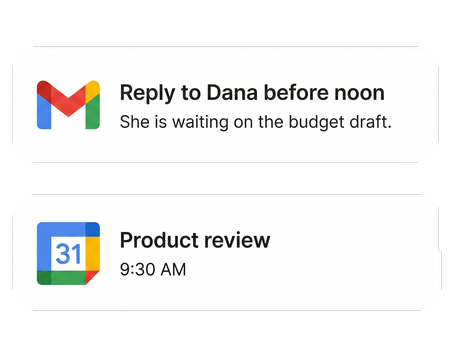
Two things: email and calendar. Both connect in a browser in under a minute, and that's enough for jo to triage your inbox, catch schedule conflicts, and write a useful morning briefing. Everything else — messages, notes, reminders, Slack — is optional, and each one you add makes jo more useful. None of them is required on day one.
What the first two unlock
- Email — triage, drafted replies for your approval, and the threads you forgot.
- Calendar — conflicts caught, open slots found, and events created from emails.
Gets better as jo learns each night
Day one. Connect email and calendar in a browser and ask jo anything about either. Tomorrow morning, your first briefing arrives.
2 weeks in. jo knows which people and meetings matter to you, and you've steered it a few times — "less of this, more of that."
3 months in. jo carries your context — what you promised, what's due, why you decided things — across work and home alike.
When to install the Mac app
Install it when you want jo to see the local half of your life: Apple Mail, Apple Messages, WhatsApp, Telegram, notes apps, voice memos, and Reminders. Connect once on the Mac, and that context works everywhere you talk to jo — web, Telegram, WhatsApp.
You stay in control
Every source is opt-in, read and write access are separate choices, and jo asks before it sends, schedules, or buys anything. Disconnect anything at any time — and when jo gets something wrong, just tell it: "do less of this."
Once the basics run, see what jo does with your group chats, your notes, and your long-running projects.
Try jo free for 7 days. No credit card. Mac and web.