 jo
Login
jo
Login
jo vs Otter
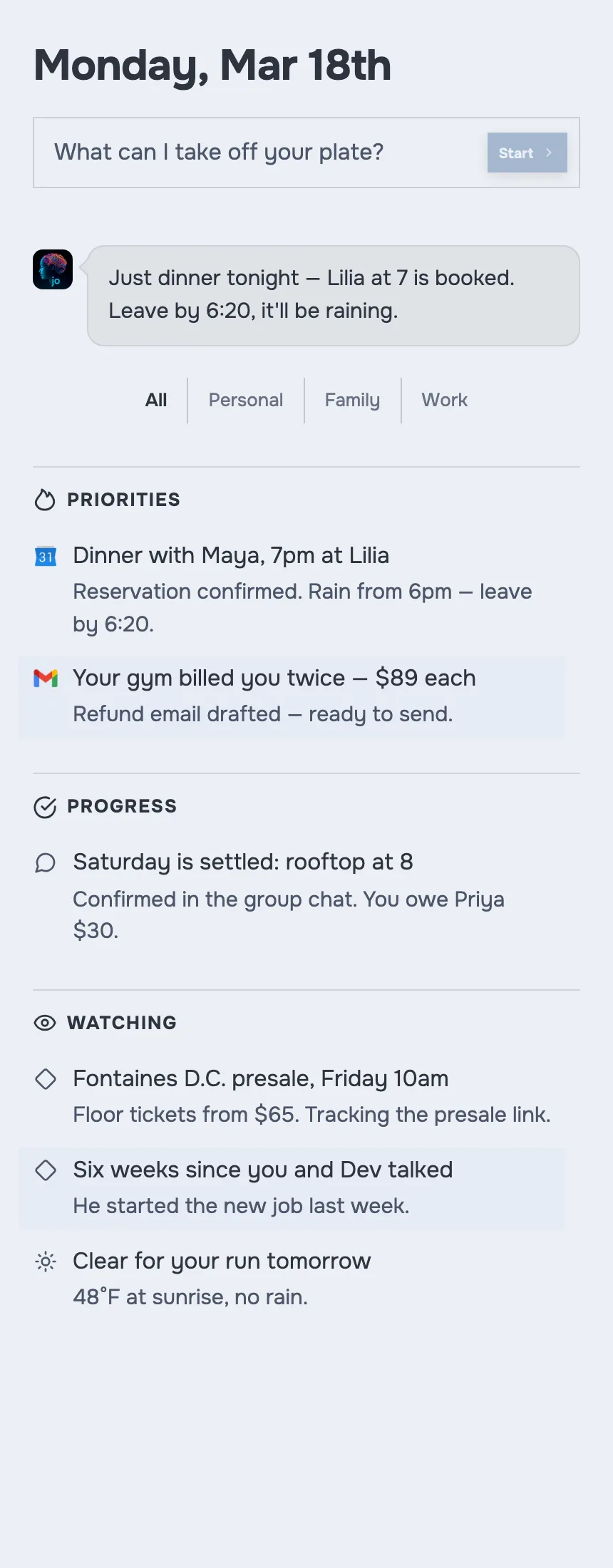
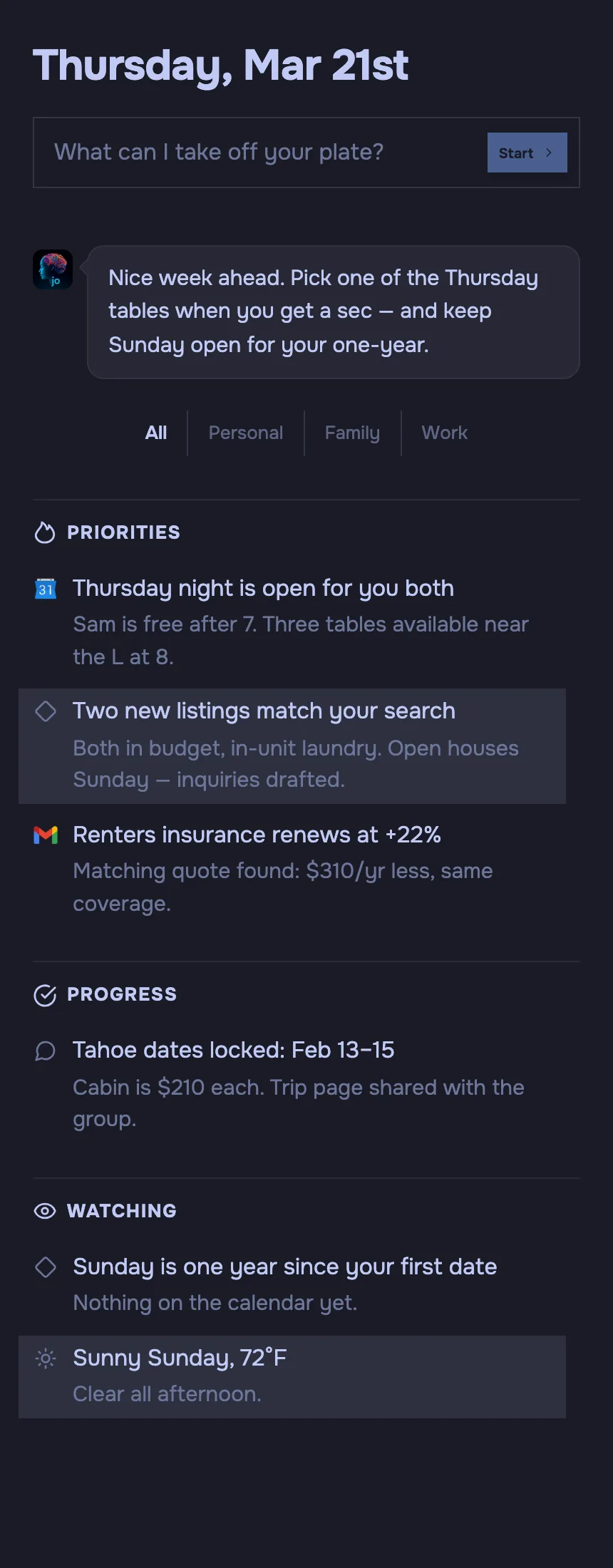
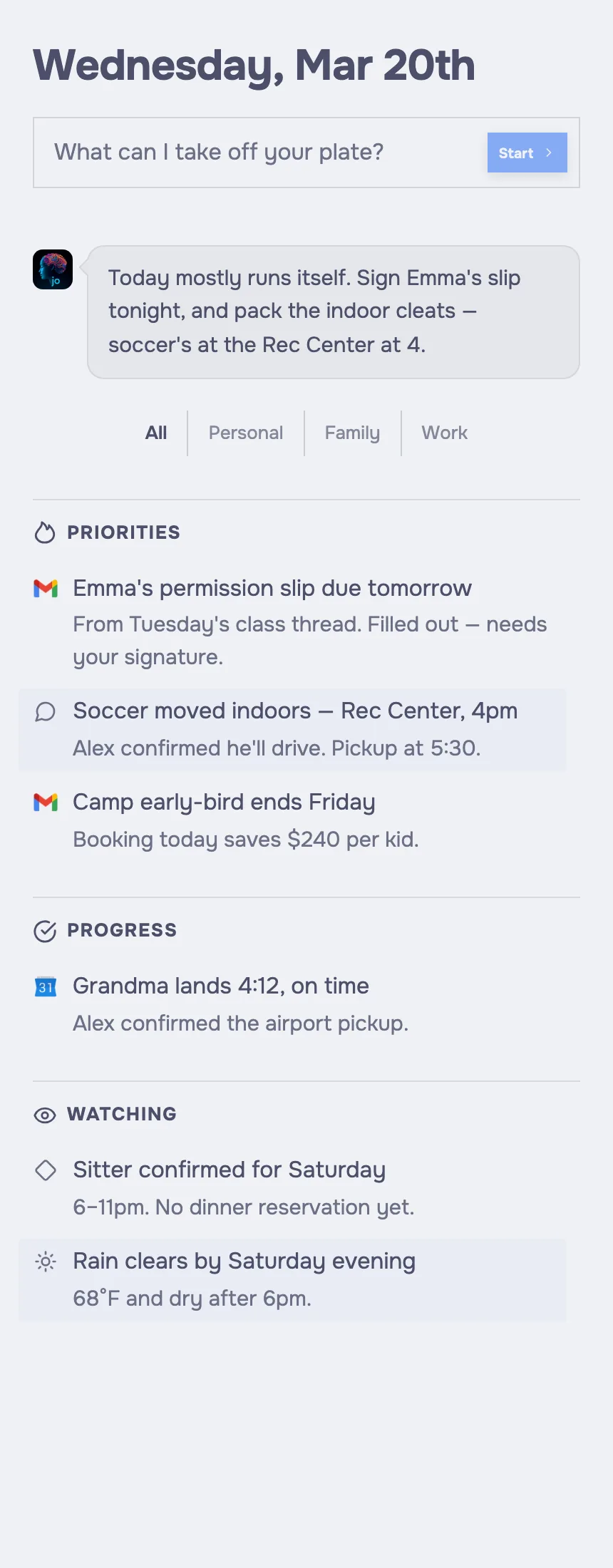
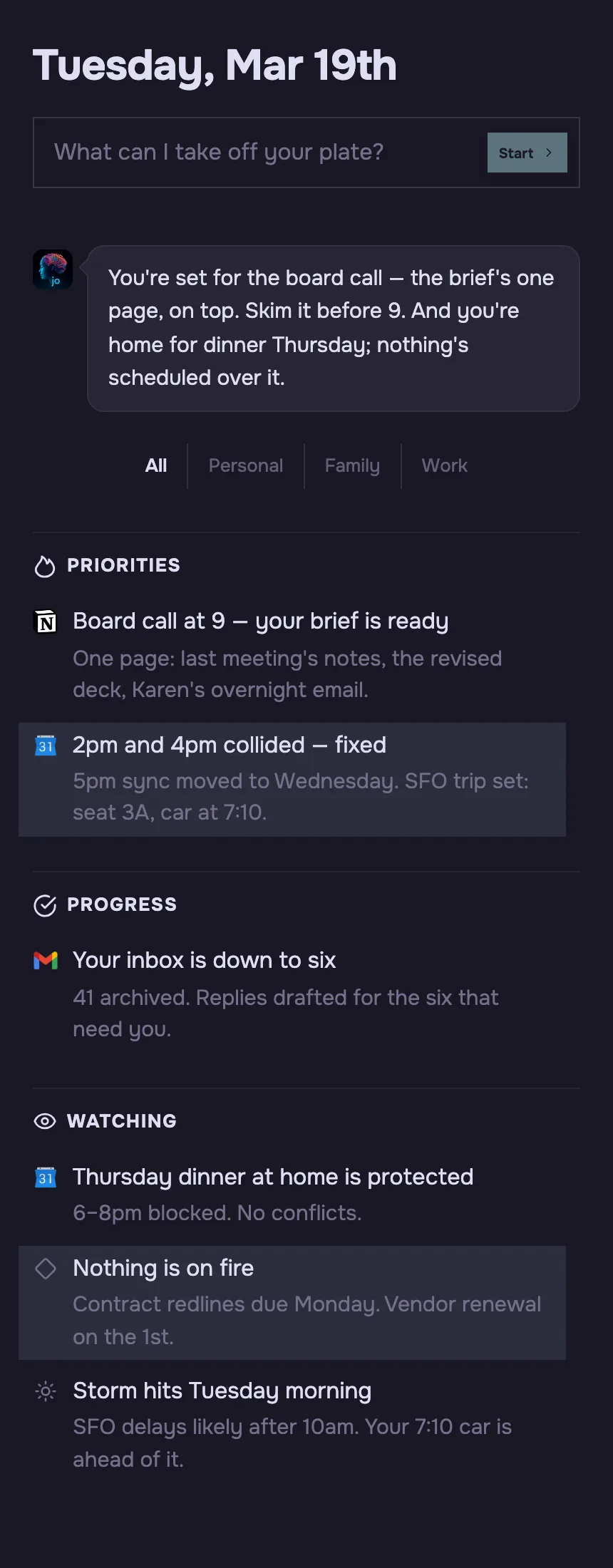
Otter is an AI meeting notetaker. jo is a personal AI agent that keeps context across work and life, then helps with follow-through.
Life in the city
What does Otter do?
Otter records and transcribes meetings, identifies speakers, and provides AI chat within and across meetings. It joins Zoom, Microsoft Teams, and Google Meet, and offers AI workflows and CRM integrations. 1
It keeps a searchable meeting record. jo relates relevant meeting context to email, calendars, messages, files, and active projects.
How does context and privacy work?
Otter’s policy says it can train proprietary AI on de-identified audio recordings and transcriptions, which may contain personal information. 2
jo keeps relevant context across sources. Each user has isolated cloud machine and storage; jo uses zero-retention model endpoints and does not train on mail, messages, or screen content.
Where can you use it?
Otter has Mac and Windows desktop apps, iOS and Android apps, and a Chrome extension. 1
jo works on Apple Silicon Mac and the web, with mobile access through mobile web, iMessage, WhatsApp, and Telegram. There is no native mobile app yet.
What does it cost?
Otter Basic is free. Pro is $8.33 per user per month and Business is $19.99 per user per month when billed annually. 1
jo is free while in beta, with no waitlist.
Which is right for you? Choose Otter for meeting transcription and AI meeting workflows. Choose jo for a personal agent that keeps context across your sources and asks before it sends, books, buys, or changes a calendar.
See how jo helps with meetings, a daily briefing, and email. All comparisons.